
Once you have registered as a seller, you will have access to both the seller dashboard and the buyer dashboard. To access the seller dashboard, you first need to go to the buyer dashboard. Click on the My Account icon to reach the buyer dashboard.
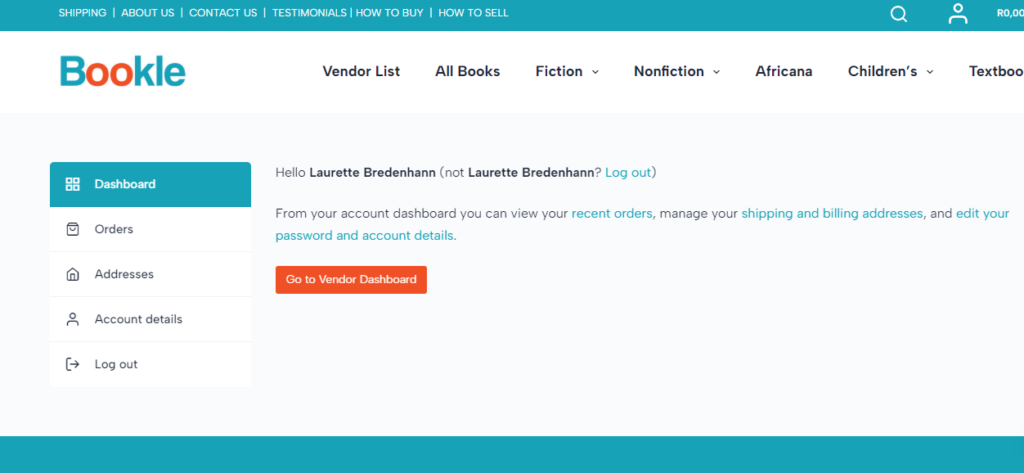
Once there, click on the Go to Seller Dashboard button. You will then be directed to the seller dashboard.
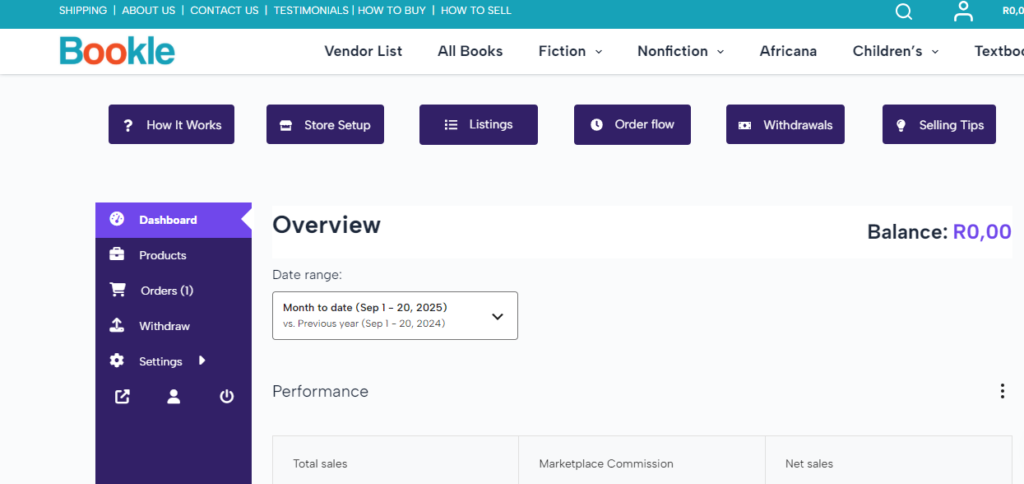
Please note that even as a vendor, you can still make purchases from other sellers. Your orders will be visible on the buyer dashboard.