Learn how to add new products quickly with our short 1-minute and 40-second tutorial.
Please note the following:
- To add your next listing, make sure you click on the ‘Add New Product’ button again, located on the Products tab.
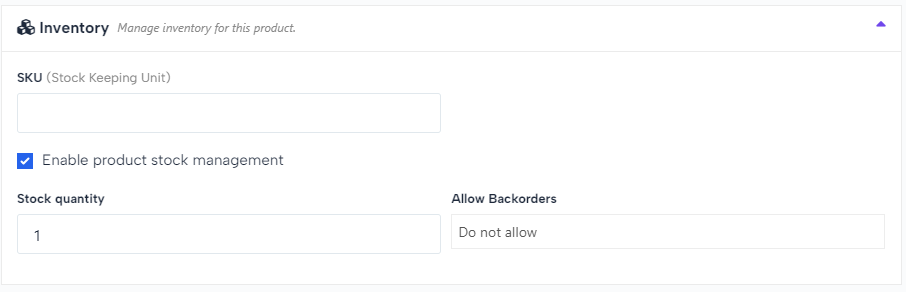
- Ensure you tick the ‘Enable product stock management’ square below and enter your stock quantity.
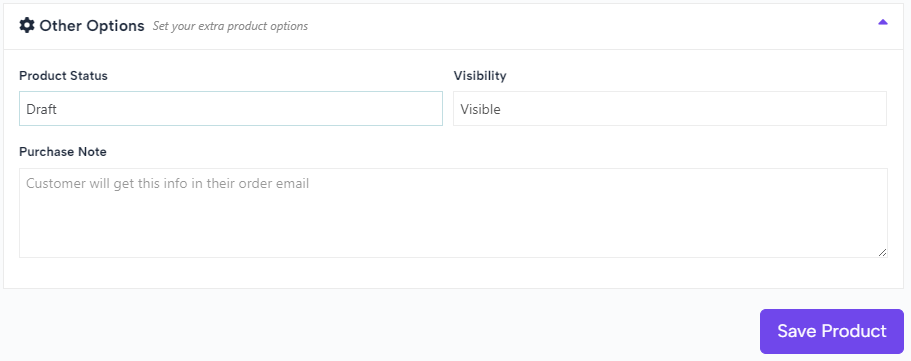
- How to put your product in draft if you don’t want to publish it immediately.